

vidmage AI Video & Image
Tools for Creators
Turn ideas and images into videos. Create fresh visuals for your next project.

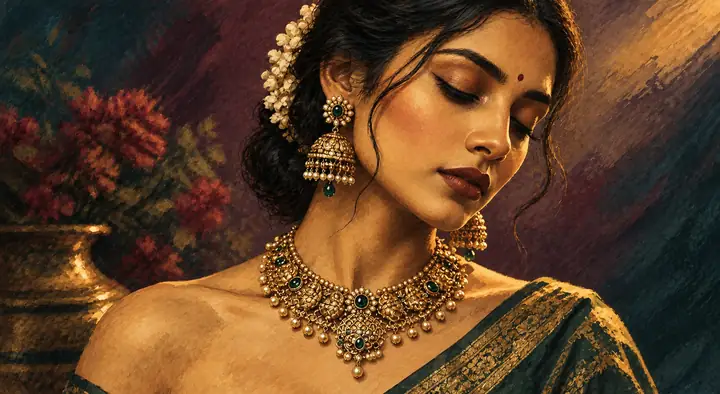
AI Image Generator
↗More models. More ways to create.
Explore video and image models for your next idea.
 Kling 3.0
 Hailuo
 Wan 3.0 Video
 Runway
 SkyReels
 Midjourney Video
 Nano Banana
 Grok Image
 Qwen Image
 Z-Image
Video Tools
From your first idea to your next clip.
Text to Video
Describe the scene. Turn your words into a short video.

Image to Video
Start with a photo. Describe the motion you want to see.

Video to Video
Use an existing clip to explore another visual direction.

Motion Control
Guide a photo with movement from a reference clip.

Video Enhancer
Explore greater clarity in your existing video clips.
Image Tools
Create, restyle, and refine your next image.

Make something you can picture.
Describe the subject, scene, and style. Create an image for your next project.
Create an Image ↗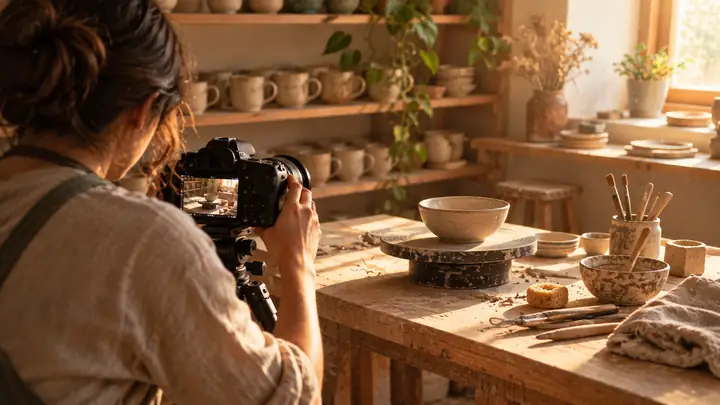
A new direction for your image.
Start with a photo and describe the style, setting, or details you imagine.
Transform an Image ↗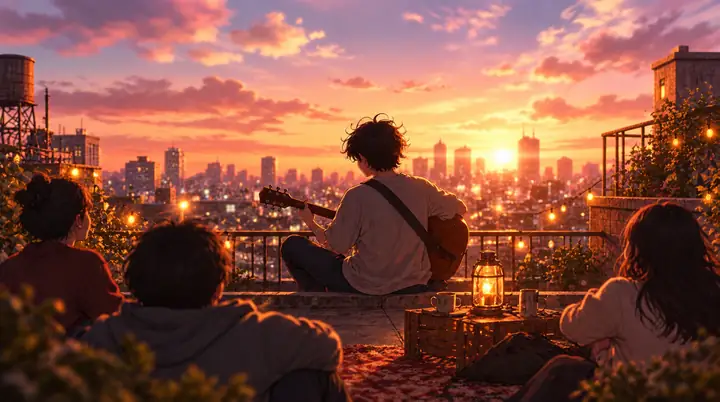
Your photo, with a playful twist.
Explore cartoon, anime, and illustration styles for a photo or a new idea.
Explore Cartoon Styles ↗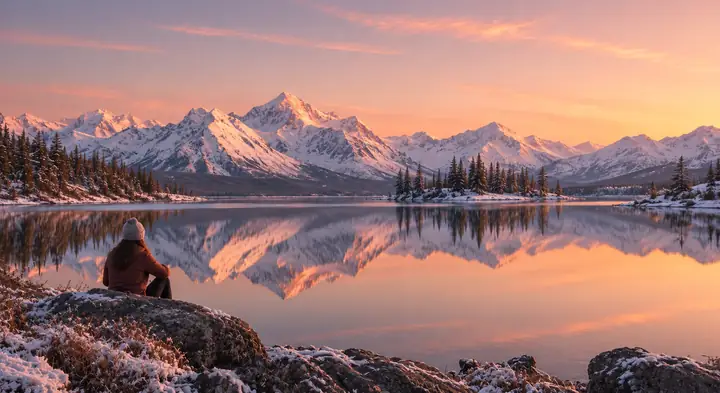
Give every detail more room.
Explore larger visuals, from close portraits to sweeping landscapes.
Explore Image Detail ↗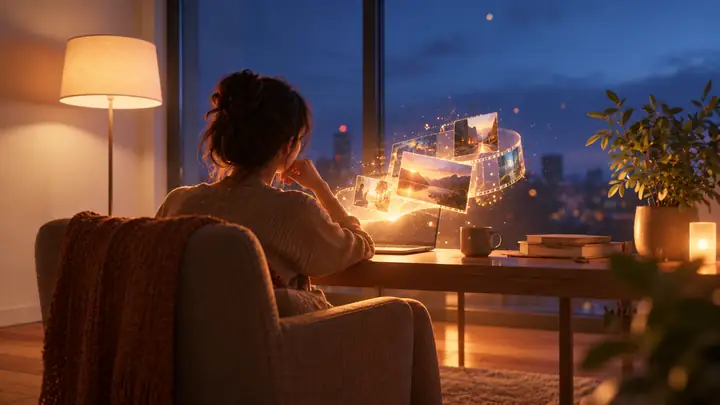
Keep the focus where it belongs.
Explore ways to simplify an image and draw attention to its subject.
Explore Image Editing ↗Creative ideas, in motion and in stills.
Explore a look, try a tool, and start something new.
 Chase the motionText to Video
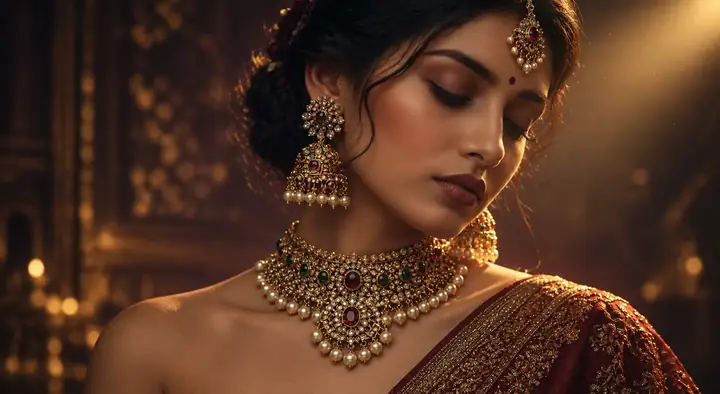
 Make a Portrait SpeakAI Talking Photo
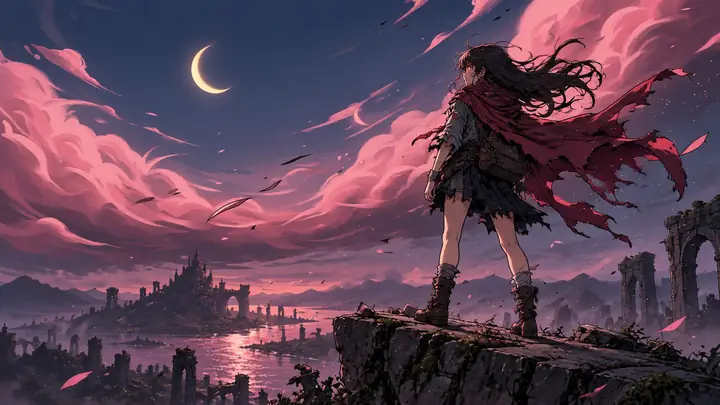
 Follow the nightText to Video
 Make a Photo DancePhoto Dance
 Restyle a clipVideo to Video
 Find a new textureVideo to Video
 Guide the movementMotion Control
 See the city differentlyText to Video
Why choose Vidmage?
Create clips, reuse your photos, and prepare visuals for your next post.
Generate the shots you need
Describe a scene and turn it into a short video. Imagine an opening shot, a cutaway, or a visual concept for your next edit.
Put your images in motion
Start with a photo or illustration and describe the movement. Give a still image a new role in a story or video project.
Guide movement with a clip
Explore how a reference video can guide character movement, rather than describing every pose in words.
Try models in one place
Discover different approaches to video and image creation. Find the visual direction that suits your idea.
Create covers
and post images
Plan artwork for a thumbnail, cover, or social post. Refine the composition to keep the subject in focus.
Choose the right aspect ratio
Think about your format before creating: vertical for short-form posts, wide for video, or square for a feed.
Frequently Asked Questions
What is Vidmage?
Vidmage is a place to explore ideas for AI video and image creation. Describe what you want to make, browse visual directions, and continue to the creation service.
How do I turn a photo into a video?
Start with an image you own or have permission to use. Describe how you want the scene to move, then continue to the creation service to upload your photo and review its available controls.
Can I create images as well as videos?
You can explore prompts for both still images and moving scenes. Choose the image option when you want to begin with a photo or visual concept.
What should I include in a video prompt?
Describe the subject, setting, action, camera movement, lighting, and mood. A clear description gives your idea a useful starting point.
Can I edit the finished video?
Available editing controls depend on the creation service you use. Review its options before starting a project.
Do I need an account or credits?
Account access and any usage requirements are set by the creation service. Check its current terms before creating.
How do I choose a model?
Begin with the result you want: a moving scene, an animated photo, or a still image. Then compare the options available on the creation service.
Where can I explore all Vidmage tools?
Browse the video, image, and creative ideas on this page, then follow a creation link to explore the available tools.
What will your next
video look like?
Start with an idea. See where it takes you.
Trusted by creators worldwide
From creators everywhere
Made for the next project